First steps
Getting started
- Connect headphones or earbuds with a microphone. A plug-in microphone is strongly recommended. Bluetooth headsets with a microphone are also supported.
- Allow microphone access when your device asks.
- Choose your voice style — High, Medium or Low. Pick the one that feels most comfortable for your voice.
- Listen, then sing. The game will show you what to do next.
Your voice
If the notes feel too high or low
Open Help inside the app, then tap Set Your Voice Level.
Try High, Medium or Low and choose what feels best. You can change it again at any time. Your progress, games and musical patterns stay the same.
Main activity
Wizard’s Garden
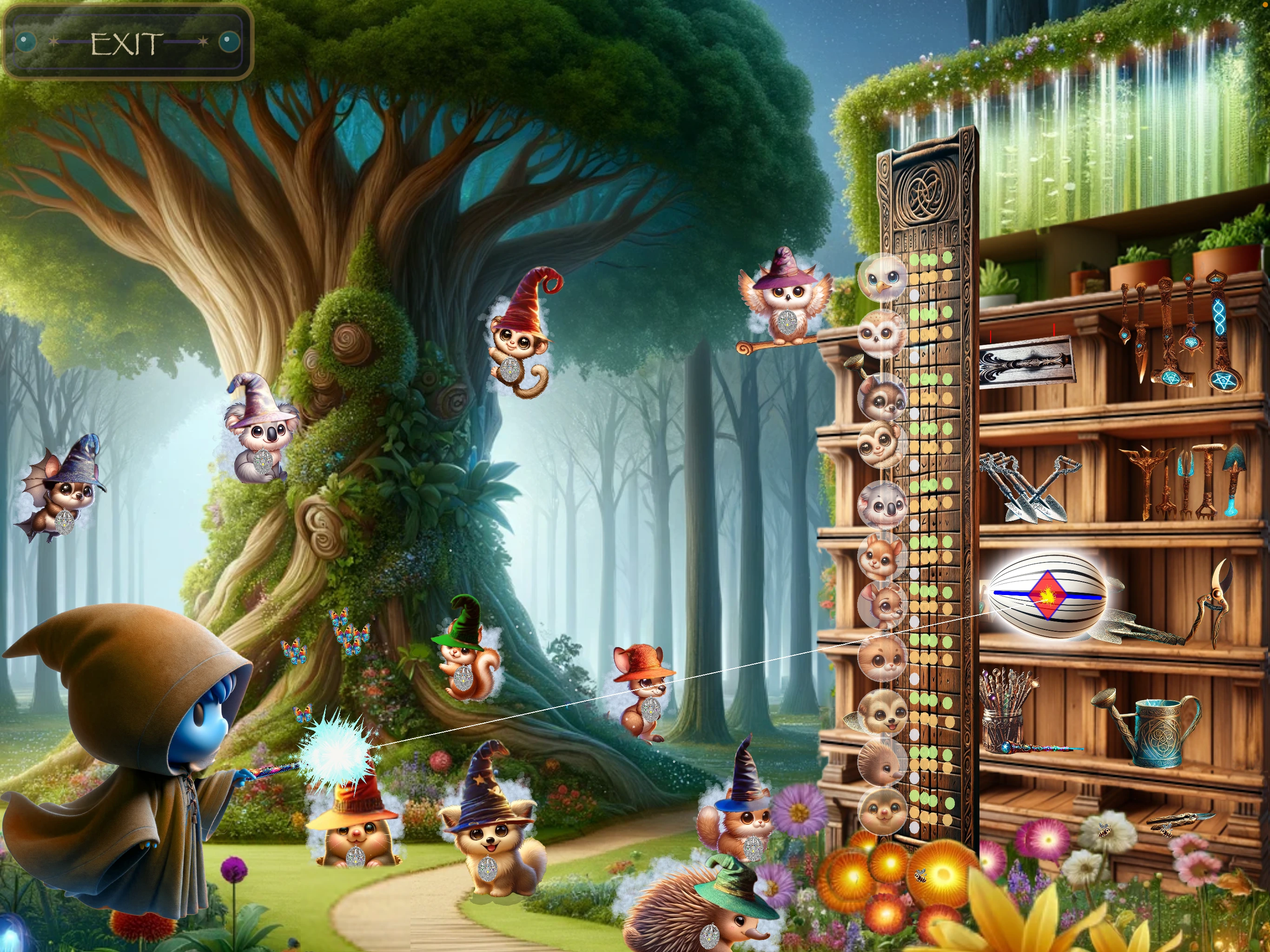
Wizard's Garden builds your singing skills one note at a time. As your voice develops, the game gradually challenges you to hold notes longer and sing them more accurately. If a new note at the edge of your range proves difficult, it returns to familiar nearby notes for practice before asking you to try that note again.
The wand and other visual clues show whether to move your voice a little higher or lower. Begin with a comfortable sound; later challenges ask you to sustain it more steadily and accurately.
You can change your voice level in Help if the notes feel uncomfortable.
Rewards
Wizard Hat Shop
Strength earned in Wizard’s Garden becomes the points you can spend on hats. Choose a pet without a lock, try the available hats, then buy the one you like.
Buying a hat spends those Garden points, so the matching Garden score goes down. That is normal—the magic has been used to make the hat.
Unlocking activities
Why is a game locked?
Keep building strength in Wizard’s Garden. The message on the Main Menu will tell you whether to work in the Garden or Picture Puzzle next.
You do not need to guess a hidden code. The next activity opens as your singing progress grows.
Two-note magic
Picture Puzzle
Listen to two notes and sing what you hear. Each success reveals more of a magical picture.
Use Listen whenever you need to hear the notes again. Later challenges also ask you to recognise the interval you hear.
Painter Studio
After you earn picture choice, Painter Studio appears before the puzzle. Watch the unlocked pictures, then tap the one you want. Choosing a picture is how you continue.
Music signs
What do ♯ and ♭ mean?
You may see these signs beside notes in Picture Puzzle and Lava Challenge. You do not need to remember their names—listen to the guide note and copy what you hear.
Songs
Lava Challenge
First listen to the song. Then follow the count-in and sing as the notes travel across the screen. Rests are quiet moments—do not sing until the next note begins.
The first songs are guided in order and gradually become more challenging. Completing songs builds your Wizard World.
Change your rewards
Touch an object already placed in your Wizard World to try its other available styles. You might choose a different house, landscape or wizard look.
Jukebox
After completing the song set, Jukebox lets you choose a completed song to hear or sing again. Tap a song, then choose Sing in Lava to return to Lava Challenge.
Troubleshooting
If Miki Sings can’t hear you
- Check that your headphones or earbuds include a microphone and are connected.
- Sing towards the headset microphone, not the iPhone or iPad.
- If asked, allow microphone access. If you previously chose Don’t Allow, tap Open Settings and turn Microphone on.
- Make sure the microphone is not covered or muted.
- Try a steady, comfortable “ah” sound rather than shouting.
The app pauses singing games if the headset is disconnected. Reconnect it and the game will prepare the sound again.
Keep your place
Saving progress and returning
Progress is saved on this device as you play. Use the Main Menu to return to Wizard's Garden and other available activities. Some activities require a short warm-up in Wizard's Garden or Picture Puzzle each time the app is reopened; follow the menu message.
There is no in-app account or cloud-sync feature. Named saves are kept on this device; they are not a transfer to another device. Do not rely on them to recover progress after deleting the app.
Starting over
Reset or restore
Open Help inside the app.
Reset Game offers to save your current game with a name before starting from the beginning. It also returns the voice level to High and asks you to choose again on your next Garden visit.
Restore Game lets you choose one of those saved games and return to its progress. If no saved game exists yet, the app will tell you.